Self Assessment & Making Tax Digital (MTD)
Understanding Self Assessment & Making Tax Digital (MTD)
Self Assessment is HMRC's system for reporting income and calculating Income Tax. Making Tax Digital (MTD) is changing how many self-employed individuals and landlords keep records and submit information to HMRC. Understanding your responsibilities helps you stay compliant, avoid penalties and manage your tax affairs with confidence.
On this page
✓ What is Self Assessment?
✓ Who needs to complete a tax return?
✓ Self Assessment deadlines
✓ Making Tax Digital (MTD)
✓ Who MTD applies to
✓ Keeping business records
✓ Allowable expenses
✓ Payments on Account
✓ Tax refunds
✓ Common mistakes
✓ Frequently Asked Questions
What is Self Assessment?
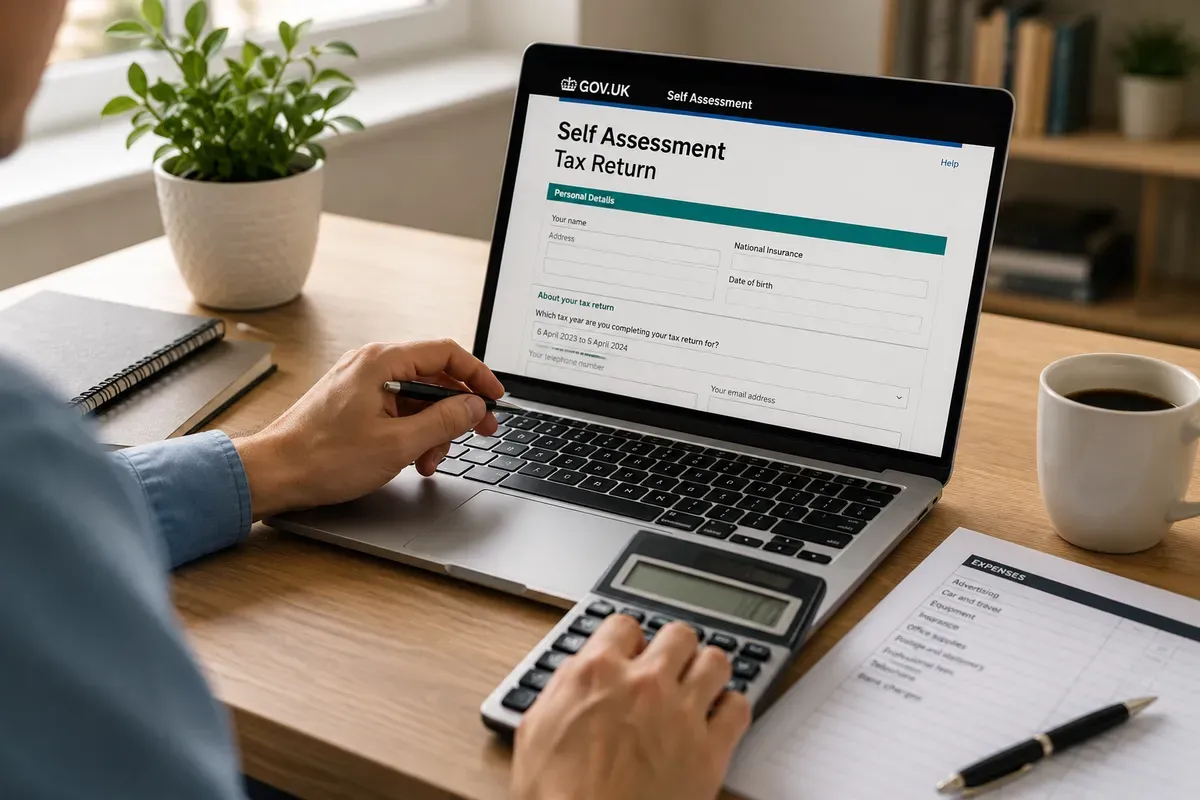
Self Assessment is the system HMRC uses to collect Income Tax from individuals who do not have tax deducted automatically. If you're self-employed, a landlord, company director or receive other untaxed income, you may need to submit a Self Assessment tax return each year.
Submitting your tax return accurately and on time helps you avoid penalties and ensures you only pay the tax you owe.
Who needs to complete a Self Assessment?
You may need to complete a Self Assessment tax return if you are:
Self-employed.
A sole trader.
A business partner in a partnership.
A landlord receiving rental income.
A company director (in some circumstances).
Receiving untaxed income.
Claiming certain tax reliefs.
Even if you're unsure, it's worth checking your obligations with HMRC.
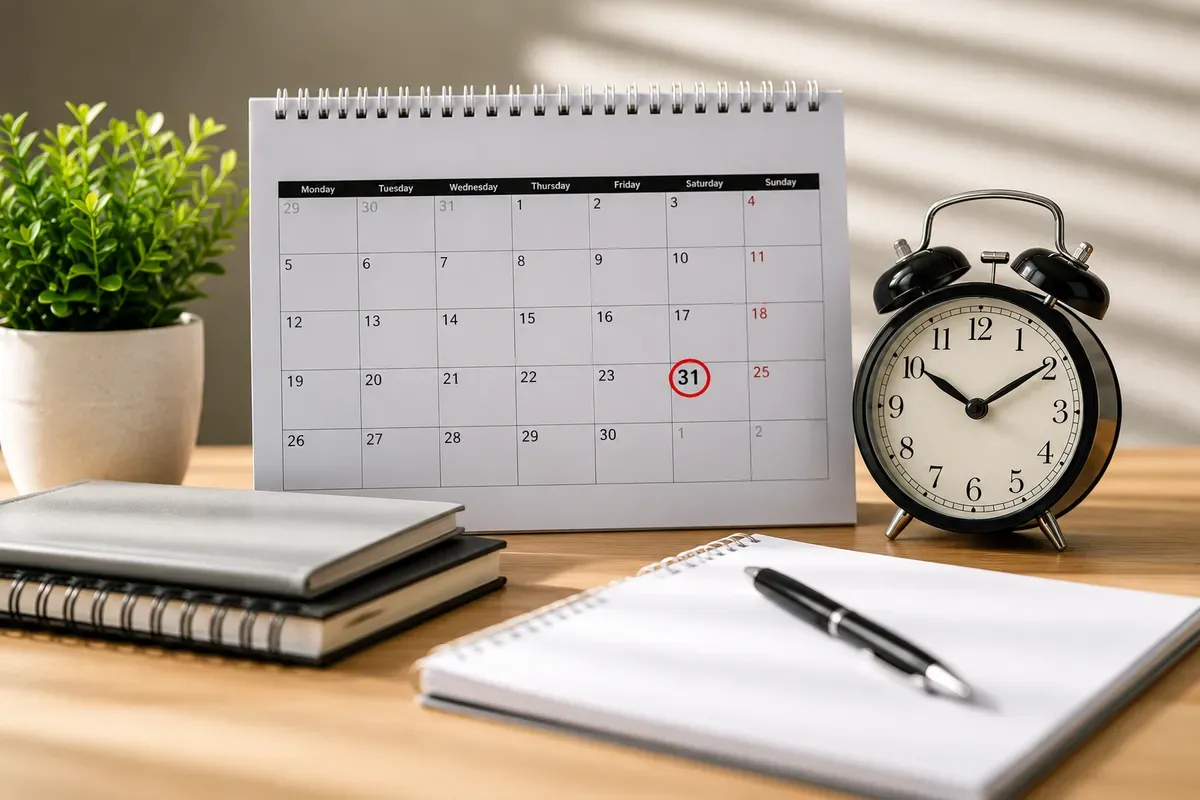
Key Self Assessment Deadlines
Register for Self Assessment
Register with HMRC by 5 October following the end of the tax year.
Paper Tax Return
31 October.
Online Tax Return
31 January.
Tax Payment Deadline
31 January.
Missing these deadlines can result in penalties and interest charges.
Useful Information
Self Assessment - Making Tax Digital (MTD)
Making Tax Digital (MTD) for Income Tax
Making Tax Digital (MTD) is HMRC's new way of reporting income for self-employed businesses and landlords.
Instead of completing one annual tax return, many taxpayers will submit quarterly updates using compatible software.
MTD is designed to:
Keep records digitally.
Reduce errors.
Give a clearer picture of your tax throughout the year.
Make tax reporting more efficient.
What records should you keep?
Good record keeping makes completing your tax return much easier.
Examples include:
Sales income.
Business expenses.
Bank statements.
Receipts.
Invoices.
Mileage records.
CIS statements (where applicable).
Rental income and expenses.
Records should be kept accurately throughout the year.
Allowable Business Expenses
Many business expenses can reduce your tax bill, including:
Office costs.
Telephone and internet.
Business insurance.
Travel expenses.
Professional subscriptions.
Equipment.
Software.
Vehicle costs (where applicable).
Only allowable business expenses can be claimed.
Why use bookkeeping software?
Digital bookkeeping helps you:
Stay organised.
Track income and expenses.
Reduce errors.
Prepare for Making Tax Digital.
Save time throughout the year.
Who will need to use MTD?
Making Tax Digital will apply to many:
Self-employed businesses.
Sole traders.
Landlords with qualifying income.
HMRC is introducing MTD in stages over the coming years.
Self Assessment for CIS Subcontractors
If you're paid under the Construction Industry Scheme (CIS), the tax deducted from your payments is normally treated as an advance payment towards your Income Tax and National Insurance.
A Self Assessment tax return allows HMRC to calculate your final tax position and determine whether any refund is due.
Common Self Assessment Mistakes
Avoid these common mistakes:
Missing the filing deadline.
Forgetting income.
Claiming expenses that aren't allowable.
Losing receipts.
Not keeping accurate records.
Forgetting to include CIS deductions.
Leaving your tax return until January.
Useful Information
Registering for Self Assessment
Register by 5 October.
HMRC will issue a UTR (Unique Taxpayer Reference).
Keep your Government Gateway details safe.
What happens after you submit?
Once your return has been submitted:
HMRC calculates your tax.
You'll see any tax due.
You may need to make Payments on Account.
If you've overpaid, you may receive a refund.
What are Payments on Account?
Payments on Account are advance payments towards your next tax bill.
They usually apply if your tax bill exceeds HMRC's threshold and less than 80% of your tax has already been collected at source.
Frequently Asked Questions
Who needs to complete a Self Assessment tax return?
What happens if I miss the deadline?
Get in touch directly
Prefer to talk? We'd love to hear from you.
C2A's Bookkeeping
Need Help With Your Tax Return?
Fill in the form and we'll be in touch shortly.